

How to integrate: BYOK flows only
The beauty of APIs vs. integrations is that they allow flexibility, for the providers, developers, and the users. To maintain this flexibility, and because wetlab work requires a tight feedback loop (see Service providers and reselling below), we require you to implement a Bring Your Own Key (BYOK) flow. This is a common pattern for AI model providers, where users choose which account(s) they want to link to your platform by pasting their scoped API keys. This means you must not “bundle” user orders under your own key — instead, the user should provide the token they received from the Foundry portal (or, if you are a partner who has onboarded them, the token you have minted for them).
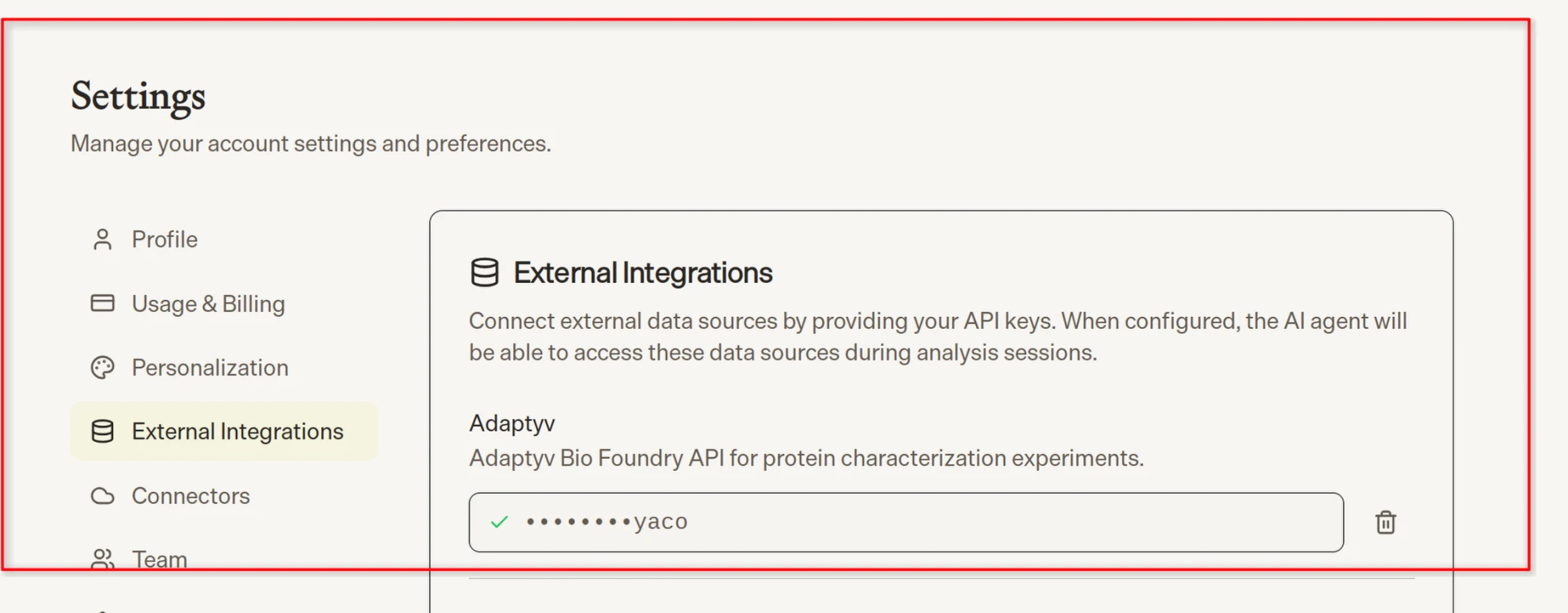
biomni.phylo.bio/settings showcasing the BYOK pattern: users paste their scoped Adaptyv API key directly into the third-party platform.
Partner tokens
The Foundry portal partner-token creation flow. Partner tokens unlock the partner-only routes used to onboard customers and mint user tokens on their behalf.
POST /api/v1/partners/mint-token— mint a user token for a customer.- With
org.type: "new_org": bootstrap a new organization (when the customer’s email domain has no org on our platform yet) and create its first user. - With
org.type: "existing_org": add a new user and mint their token inside an org you previously onboarded. - Users must be new — an existing email is rejected with
409. Tokens default to a 90-day expiry; passexpires_atto override.
- With
mint-token action lets you create tokens for users that do not yet have any organization (as determined by their email domain) on our platform. You can also add users to organizations you have onboarded, or mint additional tokens for users that belong to those organizations.
For customers you have not onboarded, you can request a token via https://foundry.adaptyvbio.com/request-token, which triggers a pre-filled version of our standard token creation flow. The user can then copy and paste the token into your platform as in any non-partner BYOK flow (see above).
Per the partner agreement, you may not use any of these tokens except on behalf of the user (for example, placing orders or accessing their data outside of providing them services). If you need service tokens for agents, you should attenuate existing user tokens appropriately.
Service providers and reselling
We distinguish service providers and resellers based on who the end consumer of the data from our API is — both in terms of billing and in terms of who actually consumes the data. If you are running a campaign on behalf of a customer, and they never (want to) see the raw data but are only interested in the final IP, then you probably qualify as a service provider, especially if you have discretion over the budget of the campaign. If the customer retains day-to-day control over the budget (instead of, e.g., delegating you a lump sum) and/or wants to review the raw data themselves, then they are the actual data consumer and we would classify you as a reseller or distributor. For reselling and distribution, you must apply to the Partner Program and either manage your customers’ tokens for them or request that they give you access via their existing tokens. We need a direct relationship with the data consumer because, during an experiment, a lot can change. Due to the nature of biology, ordered sequences might not express, initial data might show that running more replicates to get exact estimates is pointless, or additional runs might be required. We need to be able to communicate directly with the data users to sort these things out and to adjust the order and invoicing accordingly.Which bucket are you in?
Next steps
Foundry API
REST endpoints, authentication, and the experiment lifecycle.
MCP Server
Drive the same endpoints from Claude, Cursor, or any MCP-aware client.
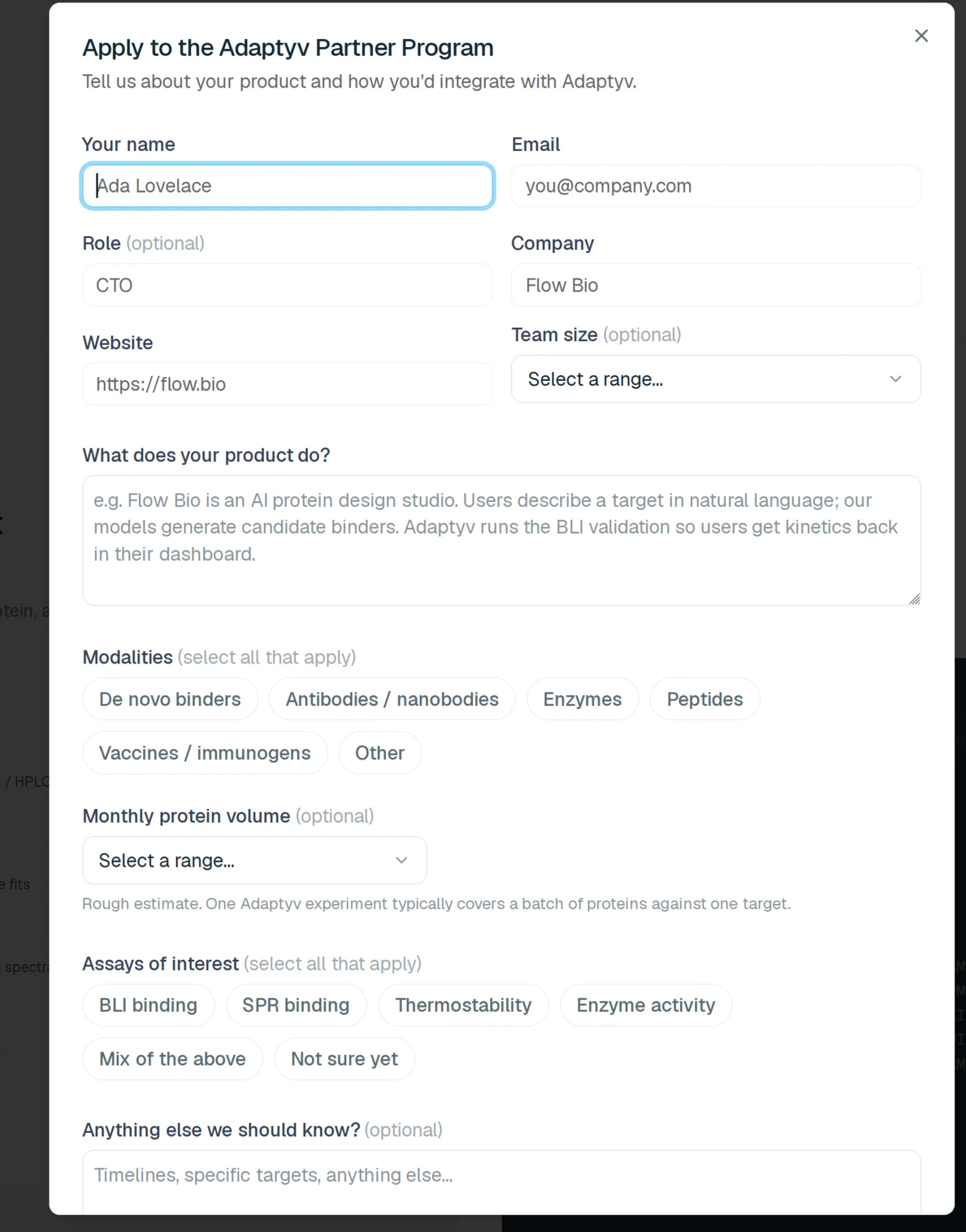
Apply to the Partner Program
Mint tokens for your customers and unlock partner-only routes.
Foundry Portal
Create and manage API tokens, organizations, and users.